



In recent years, the frustrations of exorbitant cable bills, hidden fees, and service interruptions have prompted many viewers to reconsider their traditional TV subscriptions. The infamous dispute between Spectrum and Disney, which disrupted major sporting events like the U.S. Open, exemplifies the vulnerabilities of cable services and accelerated a shift toward streaming platforms. This transformation is no longer daunting, even for older generations, as illustrated by my own mother’s smooth transition. With the rise of versatile streaming services and accessible technology, cutting the cord has become an achievable goal for anyone seeking more control, affordability, and diverse content. From assessing your current cable plan to selecting the perfect streaming setup, the journey to a personalized entertainment experience starts here.
Assessing Your Cable Plan: The First Step Toward Cord Cutting
Cutting the cord begins with a clear understanding of your existing cable arrangement. This stage involves:
- Reviewing your current contract, including cancellation terms and any associated penalties.
- Calculating your total monthly expenses, keeping in mind hidden fees that often inflate your bill.
- Identifying your channel lineup and determining which channels you actually watch regularly.
- Considering bundled services, such as packages combining TV and internet, to see how costs adjust if you drop TV but keep the internet.
Most providers, whether Spectrum, Comcast, or AT&T, tend to increase internet prices when TV services are removed. Understanding these details prepares you for smarter decisions and more realistic expectations during your shift to streaming.
Evaluating Streaming Needs: Matching Channels and Services
Knowing what content you truly want is essential before choosing streaming alternatives. Most people find they watch fewer than a dozen channels consistently, despite paying for hundreds with cable. To effectively transition, make a list of:
- Your favorite channels and shows, including premium services like HBO Max or Showtime.
- Local channels and live sports, assessing whether these are critical for your entertainment.
- Content types you prefer, such as movies, documentaries, or children’s programming.
Services like Sling TV, Hulu + Live TV, and YouTube TV offer cable-like experiences with popular channels, local programming, and cloud DVR options. YouTube TV tends to be a bit pricier but covers more channels, while Sling TV and Hulu present cost-effective alternatives without locking you into long-term contracts.
If your main need is local broadcasting, a simple indoor antenna such as the Mohu Leaf can deliver many channels without internet dependency.
Expanding your streaming repertoire, platforms like Netflix, Amazon Prime Video, Disney+, Apple TV+, Peacock, and Paramount+ provide an ever-growing selection of exclusive and popular content. These can complement or even replace traditional cable channels, unlocking access to original series and movies that often aren’t available elsewhere.
Ensuring Your TV and Internet Are Ready for Streaming
Compatible Television Setups
Most modern TVs come equipped with an HDMI port, making them ready for streaming devices or smart TV apps. If your television is several generations old and lacks this feature, consider upgrading. Affordable 55-inch models from brands like LG and TCL now offer 4K resolution and smart capabilities for under $400, a worthwhile investment that enhances your viewing experience.
Choosing the Best Internet Provider for Streaming
Streaming demands a consistent and sufficiently fast internet connection. Here’s what you should consider:
- Bandwidth needs: Full HD streaming requires approximately 5 Mbps, while 4K demands 25 Mbps or more.
- Multi-device streaming: If several users or devices will stream simultaneously, multiply the speed accordingly, for a household of four, a 100 Mbps plan is typically adequate.
- Service reliability: Look for internet providers with good customer service and minimal outages.
- Alternative options: Beyond cable internet, 5G home internet services like those from T-Mobile offer easy installation without wiring and competitive speeds at a lower cost without binding contracts.
Don’t overpay for ultra-high speeds that you won’t utilize. Instead, align your internet plan with your actual streaming needs to maximize cost efficiency.
Selecting and Setting Up Your Streaming Device
Device Choices and Features
Whether your TV is smart-enabled or not, selecting a reliable streaming device is crucial for ease of use and access to your favorite channels:
- Smart TVs: Connect directly to WiFi and install streaming apps like Netflix, Hulu, and Amazon Prime Video.
- Streaming sticks and boxes: Devices such as Roku, Amazon Fire TV, Google TV, and Apple TV transform even older TVs into streaming hubs.
- User interfaces: Roku stands out for its simplicity, while Google TV excels in integrating content from multiple sources and managing subscriptions via Google Pay.
Our recommended devices offer balance between affordability, performance, and ease of use, simplifying your entertainment setup and enhancing your viewing pleasure.
From Cancellation to Streaming: The Final Transition Steps
When your streaming setup is ready, it’s time to officially end your cable service:
- Contact your cable provider’s customer service to cancel your subscription. Brace yourself for retention offers but be firm if your choice is final.
- Return all rented equipment such as cable boxes or modems to avoid added fees.
- Request written confirmation of cancellation and carefully review subsequent billing statements to ensure no unauthorized charges occur.
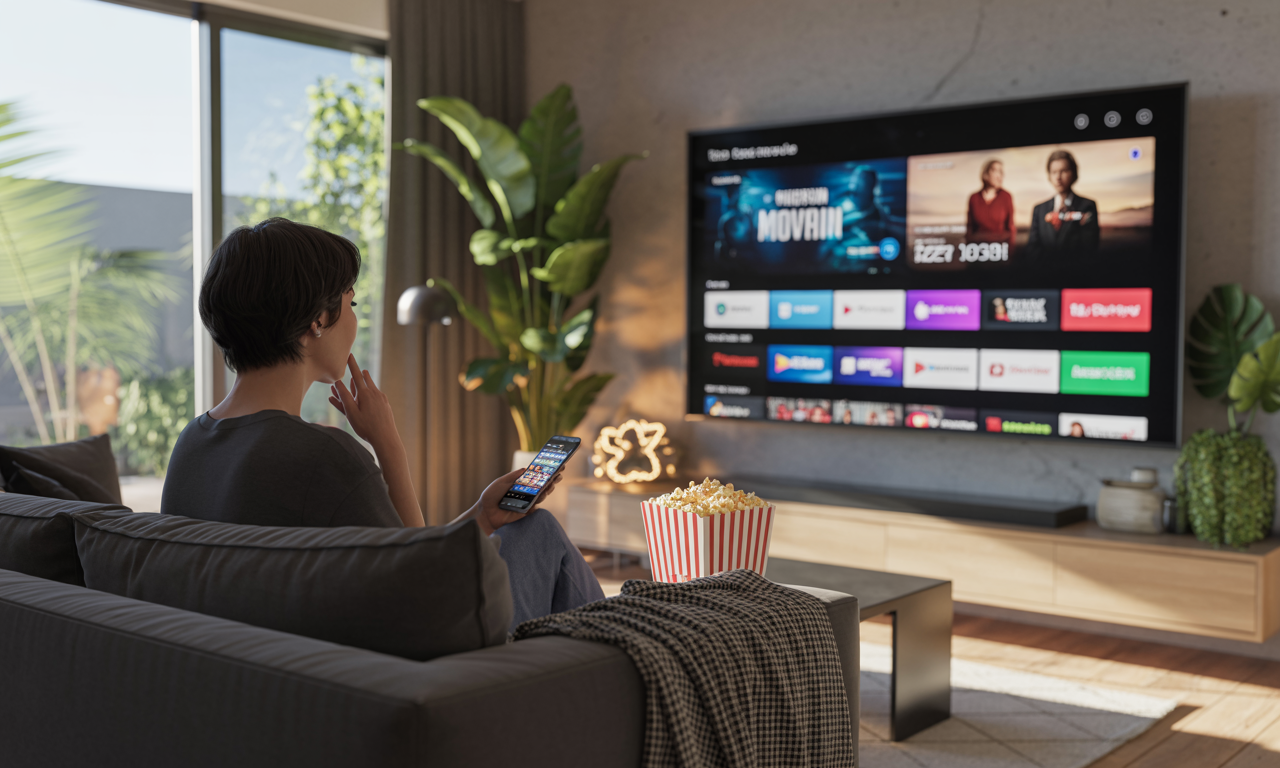
Setting up your streaming device usually involves connecting it to your TV’s HDMI port, linking to your WiFi, and logging into your chosen services. Most remotes also control basic TV functions, streamlining control and enhancing comfort.
Optimizing Your Streaming Experience
After setup, the occasional buffering or resolution dips might happen. To improve quality:
- Check your internet speed and WiFi signal strength near your television.
- Consider installing WiFi extenders or a mesh network system like eero Pro 6, Google Nest, or TP-Link to ensure strong connectivity throughout your home.
- Adjust streaming settings to balance quality and data usage based on your connection stability.
With a well-optimized system, you’ll discover the freedom and diversity of streaming content paired with significant savings over traditional cable.
2025 marks an era where streaming video services like Netflix, Disney+, and Paramount+ dominate entertainment choices, providing countless hours of on-demand content alongside live sports and news. The combination of flexible plans, wide device compatibility, and easy cancellation policies makes this the perfect moment to cut the cord and fully embrace streaming’s future.